For 89studio AI students

A full classroom course in AI video.

Fifteen modules on Digen AI — every menu explained, then image-to-video, text-to-video, talking avatars, motion transfer, image editing, Agent skills, Real Motion 3.0, guest models like Sora and Veo, prompt craft and credits. Written to teach from, not to skim.

15
Modules
73
Numbered steps
6
Class sessions
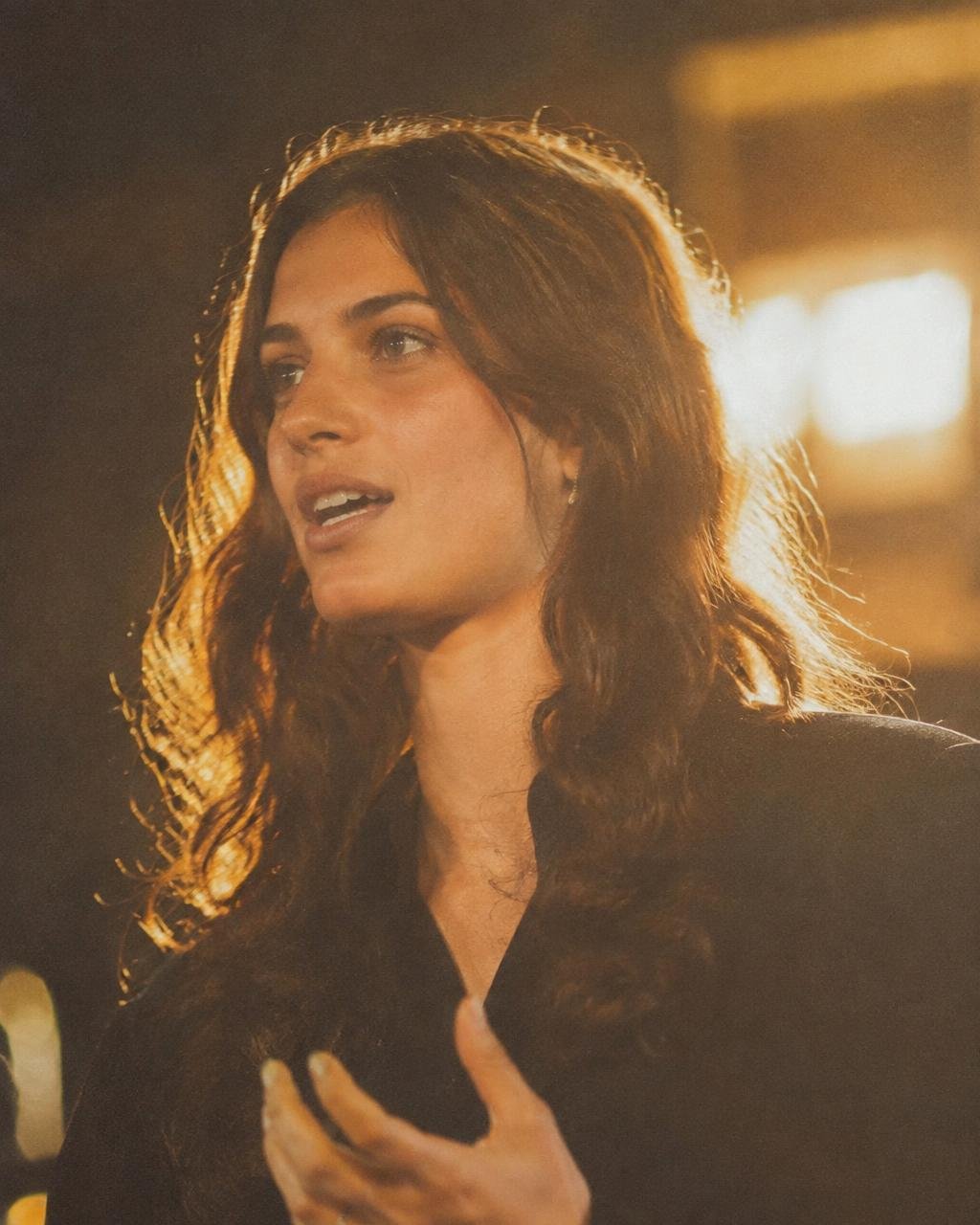
A portrait still lit on a studio lightbox, ready to animate

Now rendering

Image → Video · 4s · 720P

The whole workflow

  1. Explore
  2. Create or pick a skill
  3. Set model, duration, ratio
  4. Prompt or upload
  5. Generate
  6. Refine
  7. Space
  8. Export

The course

Fifteen modules, in seven tracks.

Teach them in order for a full unit, or pull a single module for a one-off workshop. Every module is a numbered workflow you can run live.

Featured prompts

Copy the structure, change the subject.

Advertisement · Technology

Cinematic product advertisement

A matte-black wireless earbud case rests on brushed steel, slow orbit right, single hard key light with soft rim, dust motes in the beam, shallow depth of field, premium tech commercial, cool neutral grade

Video · Restaurant

Restaurant hero dish

Steam rises from a clay bowl of biryani, camera pushes in slowly over the rim, warm tungsten kitchen light, saffron and gold tones, hands lifting the lid at frame edge, appetising food commercial

Video · Real estate

Real estate walkthrough opener

Wide interior of a sunlit apartment living room, camera glides forward through the doorway, sheer curtains breathing, late afternoon light across pale oak floors, clean architectural grade, no people

Browse the whole library

Questions every class asks

Before you spend another credit.

My generation failed but credits were taken. What now?

Check Space first — failed jobs sometimes still appear there. If the clip is genuinely missing, re-run it once; if it fails again, change the model rather than repeating the same prompt, and report it from the account menu.

Why does my character's face change between shots?

Because words alone cannot hold a face. Save one portrait as the reference and upload it as the source image for every shot, repeating the same physical description verbatim.

The video has no sound. Is that a bug?

No. Most modes output silent video unless you supply a voice track or use a model that generates native audio. Make the voice separately and lay it over the clip.

How long can one clip be?

It depends on the mode. Lip-sync avatar work runs longest; the cinematic video models produce a few seconds per generation. Build long pieces by cutting several short clips together.

Full help centre

Assignment examples

What a finished submission looks like.

Three shapes of brief students will hand in — each one traces back to a single module.

Talking-head explainer

Talking-head explainer

Avatar + lip sync · Module 06

Product b-roll loop

Product b-roll loop

Image → Video · Module 04

Cinematic street shot

Cinematic street shot

Real Motion 3.0 · Module 10

These are reference frames generated for the guide, not student work. Send real submissions and they can replace them.